
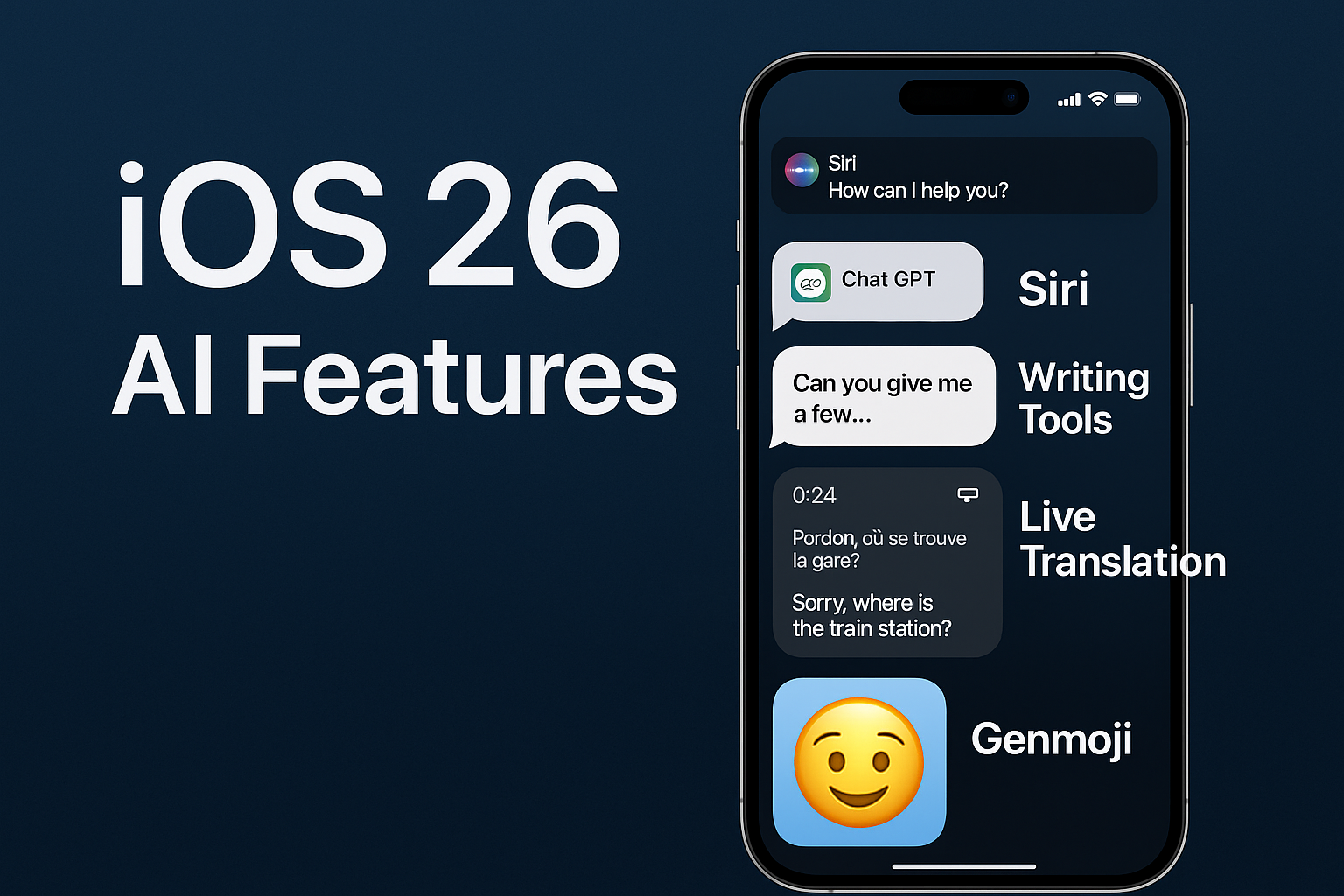
With every major iOS release, Apple focuses on enhancing the speed and responsiveness of its devices. But with iOS 26, Apple has taken a deeper step into performance optimization and intelligent power management. Thanks to new AI-backed technologies and system-wide improvements, iOS 26 battery and performance features are the most advanced Apple has ever introduced.
Whether you’re using an older iPhone or the latest iPhone 16 Pro, this update brings new tools to help your device run faster, last longer, and work smarter.
Let’s dive into all the improvements you can expect in iOS 26 related to battery life, performance efficiency, and system responsiveness.
1. Adaptive Power Mode: Smarter Energy Management
One of the most innovative additions to iOS 26 is Adaptive Power Mode—a feature that intelligently adjusts your iPhone’s performance based on your usage patterns.
Key Highlights:
-
Dynamically reduces background activity when battery is low
-
Adjusts screen brightness and refresh rates based on app type
-
Optimizes performance without manual input
Unlike the old Low Power Mode (which was a one-size-fits-all solution), Adaptive Power Mode is context-aware. If you’re watching a video, it won’t throttle performance. But if you’re idle or reading a static article, it conserves energy intelligently.
Supported on: iPhone 15 series and later
2. Battery Insights Dashboard
iOS 26 introduces a brand-new Battery Insights Dashboard, available in Settings > Battery. This tool provides in-depth analytics of how your iPhone consumes power, making it easier to pinpoint what’s draining your battery.
New Data You Can See:
-
Real-time app power usage (CPU + screen time impact)
-
Historical battery drain patterns (hourly, daily, weekly)
-
Charging trends and battery health predictions
-
Alerts when an app is draining unusual power in the background
This feature gives users more control than ever before and helps extend battery life by identifying problematic apps or habits.
3. App Nap 2.0 – Intelligent Background App Management
Building on the original App Nap system, iOS 26 introduces App Nap 2.0, which uses machine learning to determine which apps need to stay active and which can pause without affecting the user experience.
How It Works:
-
AI learns your app habits and usage patterns
-
Background processes are paused more aggressively when not in use
-
Critical tasks (like music streaming or GPS) are prioritized
This makes multitasking smoother while conserving power. For example, if you always check Instagram at night, iOS will keep it ready in memory around that time, but put it to “sleep” during the day.
4. Thermal Awareness and Performance Throttling
iOS 26 introduces a new Thermal Management System that prevents your iPhone from overheating without significantly slowing it down.
Thermal Protection Features:
-
Detects high internal temperatures and slows non-critical processes
-
Warns users before shutdowns or screen dimming
-
Works with adaptive frame rates and brightness control
This system ensures that performance remains smooth even under load while protecting battery health and user comfort.
5. Low Power Mode Enhancements
Low Power Mode has been improved in iOS 26 with more granular controls.
New Options:
-
Choose what features to disable (mail fetch, background refresh, animations)
-
Set thresholds (e.g., activate at 30% instead of 20%)
-
Combine with Focus Modes (e.g., activate Low Power when in Sleep Mode)
This gives users more flexibility over how their iPhone conserves energy, especially on older devices.
6. AI-Optimized Charging and Battery Health Protection
iOS 26 uses AI-powered charging optimization to maintain battery health over time.
Features Include:
-
Smart detection of daily routines (e.g., charging habits, sleep schedules)
-
Pauses charging at 80% until needed
-
Avoids charging in extreme temperatures
-
Displays suggestions to improve charging patterns
The result is better long-term battery health and fewer unexpected drops in battery performance.
7. Background Task Prioritization
Apple has improved background task management in iOS 26. Apps now request system resources based on urgency and context, which reduces unnecessary CPU/GPU usage.
Benefits:
-
Faster app switching
-
Less lag during multitasking
-
Lower energy drain in standby mode
Developers can now flag “critical” vs. “non-critical” background tasks, and the OS decides when and how to execute them. This means your iPhone uses its power more efficiently—even when you’re not actively using it.
8. Dynamic Refresh Rate Adjustments
iPhones with ProMotion displays (120Hz) now use dynamic refresh rate scaling more aggressively in iOS 26.
Key Improvements:
-
Drops to 10Hz for static content (e.g., reading articles, idle screens)
-
Boosts up to 120Hz only when scrolling or animating
-
Saves up to 15% more power on OLED displays
This feature is crucial for iPhone 14 Pro, 15 Pro, and iPhone 16 Pro models, where higher refresh rates can consume more battery.
9. Faster Performance in Daily Use
Apple has optimized core system processes in iOS 26, resulting in noticeable speed improvements even on older devices.
Performance Gains:
-
Up to 20% faster app launch times
-
15% less RAM usage in multitasking
-
Improved animation frame rates
-
Smoother UI interactions under load
These optimizations are part of a new internal performance framework Apple calls JetStream, which will be expanded in future updates.
10. iPhone Compatibility
Here’s how these features vary by device:
| Feature | iPhone 16 | iPhone 15 | iPhone 14 | Older Devices |
|---|---|---|---|---|
| Adaptive Power Mode | ✅ | ✅ | ❌ | ❌ |
| Battery Insights Dashboard | ✅ | ✅ | ✅ | ✅ (limited) |
| App Nap 2.0 | ✅ | ✅ | ✅ | ⚠️ Partial |
| Thermal Management | ✅ | ✅ | ✅ | ✅ |
| Dynamic Refresh Rate Scaling | ✅ | ✅ | ⚠️ (Pro only) | ❌ |
Final Thoughts
Apple has put serious engineering into the iOS 26 battery and performance features, resulting in an operating system that’s smarter, faster, and more efficient. With AI at its core, iOS 26 doesn’t just save power—it learns how you use your device and adapts accordingly.
Whether you’re a heavy user, a mobile gamer, or just someone tired of midday battery anxiety, iOS 26 delivers meaningful upgrades that make your iPhone feel new again—even without new hardware.

Abdul Raheem is a Freelancer and a Digital Marketing Expert. He writes about Technology and Professional Services. In this Blog, he will contribute about iOS 26 Updates.